Why the counter drops the extra sale
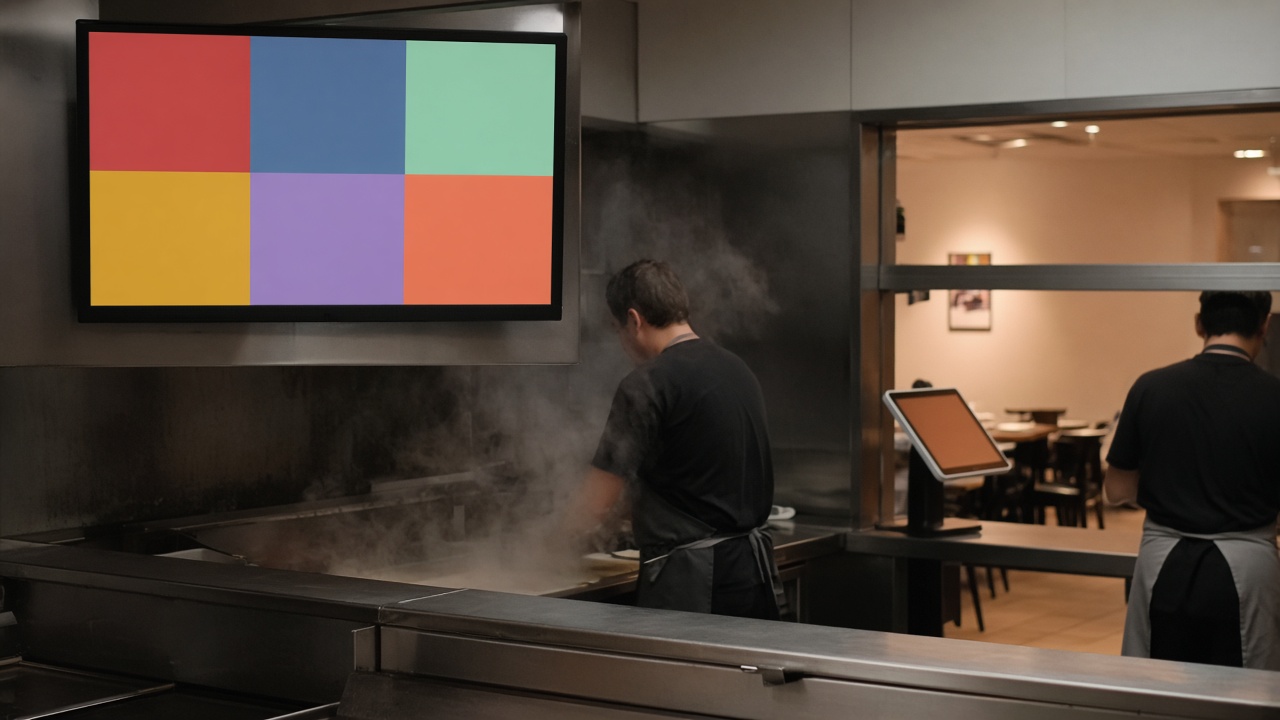
On a quiet afternoon a good colleague asks the next question without thinking. Sauce with that, a drink, the larger size. It is part of the conversation, not a script. The moment the queue reaches the door, that question is the first thing to go. The guest in front wants to move, the guest behind is sighing, and your colleague chooses speed. The order ends up smaller than it would have been on a slow Monday, on the exact service where the ticket needed the extra item most.
The kiosk does not have that hour. It asks the follow-up on every item, including at half past six on a Friday. The guest decides without feeling they are holding the line. Someone who only wanted the snack skips the question. Someone who adds a drink does it because they can see it, not because a person is trying to close a sale on top of them. That is a different job from asking your staff to keep selling while they are also trying to clear the queue.
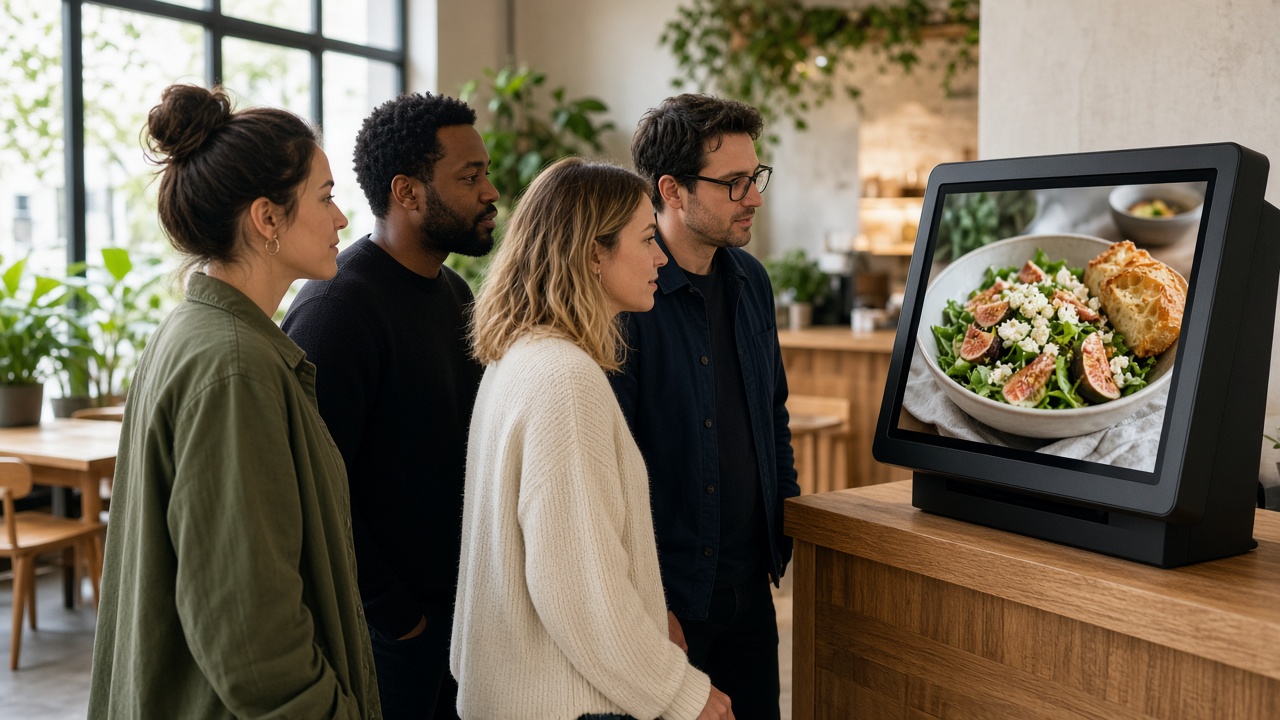
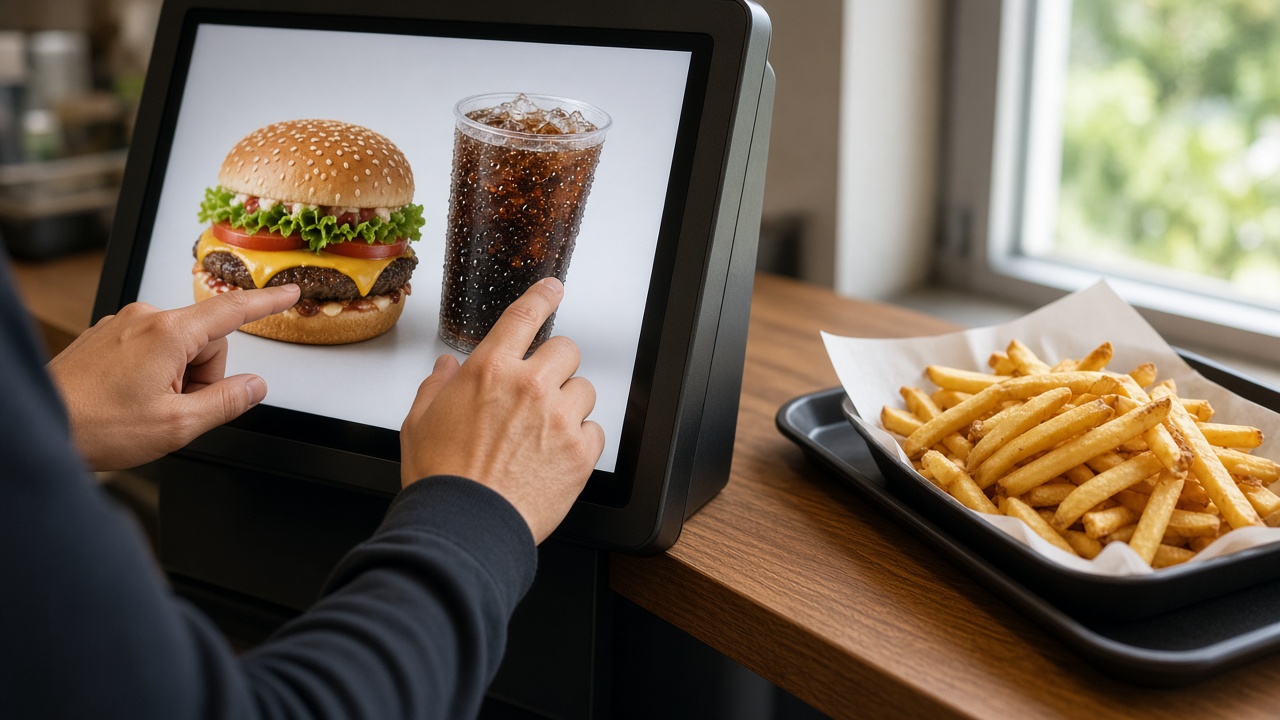
A picture carries further than a shouted sentence. “Sauce as well?” disappears in the noise. A tub of sauce next to the snack on the screen is a choice the guest understands in a glance. The same goes for a side, or a dessert where the menu actually has room for one. The suggestion has to belong to the item. A random banner about pudding on top of a single sauce is noise, and noise teaches guests to tap the question away.
Upsell only has a place once the queue itself is under control. If taking the order is still the blockage, fix that first. That is what the hospitality order kiosk is about. The extra question needs a moment that is not already frantic. In a restaurant with table service the same idea sits beside the waiter: the kiosk catches the add-on, the waiter keeps the table. Restaurants describes that setup.
How a suggestion on the kiosk earns its place
After the guest picks the item, one next step follows that belongs with it. On fries that is the sauce and the size. On a burger it is the side or the drink. On a coffee, in a place that sells them, it is the cake. One step, with a clear way to continue without the extra. Not a stack of five windows. Pile on too many questions and the kiosk becomes slower than the counter, and you have given back the time you just took out of the queue.
The suggestion hangs off the item, not off a campaign that pops up everywhere. In the CMS you set which extras belong to which product, and in which order. A drink that only makes sense inside the lunch combination is not asked on a single child’s ice cream. A sauce used on three snacks does not need three different names. Same button, same price, same stock. The guest recognises the question. You maintain it in one place.
The price of the extra is visible before the guest confirms. No surprise on the card terminal, no “that was the large” after the fact. Someone who declines pays the order they actually built. Someone who accepts sees the total move with it. That is also why the extra should not hide in a box that is already ticked. The guest has to choose it. Otherwise it is not an upsell. It is an argument at the hand-over.
When something is sold out, the suggestion leaves with the product. You switch it off once. Leave a drink in the list while the fridge is empty and you sell something you cannot hand over, and your team is back in the queue explaining. The link between the screen and what the kitchen can actually make belongs to the same flow as self-order in hospitality: choice, confirmation, and only then the ticket.
What to prepare in the menu
Only put extras in the menu that you really sell and that the kitchen can still produce in the rush. A sauce list copied from a supplier catalogue makes the screen slow and the choice uncertain. Three sauces you always have in the fridge beat twelve you have to go and find. The same applies to sizes. Small, medium and large are useful when you actually fry or portion them differently. A size that exists only on the screen becomes an argument at the pass.
Name the button the way the guest speaks. “Large box” is clearer than an internal code. A photo helps when the name could mean two things, for example on a menu that covers both a snack and a full meal. Keep the first step of the order short, the same way you keep the queue short: the usual path in front, the exception with your team. The upsell lives on that usual path, not in a hidden corner of the menu.
Start with the three extras you already know guests take when someone asks. Do not rebuild the whole menu into a funnel on day one. Watch for a week which suggestion is almost always skipped, and remove it. A question nobody accepts costs time and teaches the guest that the kiosk nags. A question that is often accepted stays, and gets a better photo. You make that change in the CMS, without sending a technician to the kiosk.
Your team does not have to make the extra sale. They still answer “what’s in it?”, they still hand the food over, and they still catch the guest who does not want the screen. The repeating question sits on the kiosk. For a snack bar that is often sauce, size and a drink. How that format works beyond the suggestion is on snack bars and cafeterias. You choose the housing afterwards for the pace of the shop, on the product lines, not because a larger screen would sell more by itself.