What breaks when the kiosk stands apart from the till
The failure starts politely. The guest builds the snack, pays, and walks to the hand-over. On the other side of the counter nobody has seen that build. A colleague reads it off the guest’s screen, or asks them to say it again. Sauce, size and “no onion” are exactly the details that die in the retyping. The queue at the front has gone. The queue at the pass is back, with a correction attached.
A disconnected kiosk also makes the till unreliable. The sale lives on the guest’s screen and not in the till, or it lives there twice because someone entered it again after the card payment already happened on the kiosk. At the end of the shift the drawer does not match what the kitchen sent out. That is not a theoretical worry. It is the hour after closing when you are still comparing tickets.
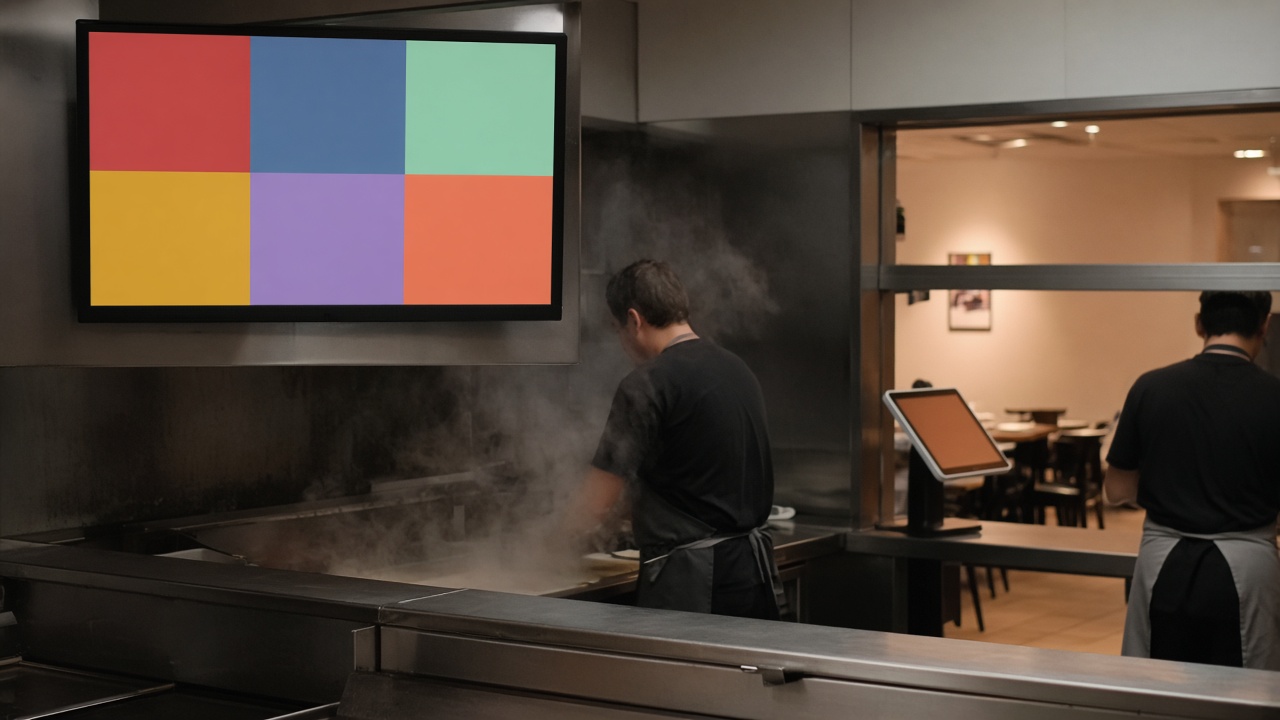
The kitchen, meanwhile, has nothing to plan against. A shouted order disappears into the noise of the pass. A ticket on the kitchen screen stays until someone clears it. Without that step the kiosk is an attractive menu with a card terminal, not the start of the service. The gain of self-ordering, the one described in shorter hospitality queues, only counts once the ticket reaches the kitchen without a second keying-in.
That is why the link is not a “we’ll add it later”. It belongs to the first busy service, not to a phase two that never arrives. Until the link exists, keep a staffed line for the exception, and a screen that only accepts orders the kitchen actually receives. A kiosk that prints tickets nobody reads is a habit you then have to unteach.
How an order reaches the kitchen screen
The guest finishes on the kiosk: item, extras, total, then payment. Card and contactless run through Viva.com on the same screen, so ordering and paying are one movement. The order only continues once payment has succeeded. A failed card must not drop a ticket in the kitchen. Otherwise the shop cooks something that was never paid, or you have to call the guest back while the next person is already on the kiosk.
The successful order shows on the kitchen screen and can print at the same time. The kitchen sees the item and the extras as the guest confirmed them, not as someone remembered them. The pickup screen can then show when the order is ready, so the guest does not come to the counter to ask if it is their turn. That chain, from screen to kitchen to hand-over, is also on self-order for hospitality.
The same sale belongs in the till, so the shift has one total. With our own POS that is the path the kiosk is built for. How that till runs the rest of the day is on mijnkassasysteem.nl. We do not rule other software out in advance: through the API we connect the kiosk to a system you already run, when that system can receive the order and the payment. Which path it is, we settle before the hardware is on the floor, not on the first Friday night.
An order that changes shape on the way should not fall silent between kiosk and kitchen. Sauce, size and “without” have to be on the ticket the way they were on the screen. If that line is missing, the kitchen wins the argument or the guest does, and both are a complaint. So do not test with a bare product. Test with an item that has extras. That is the order which fails in the rush when the link only forwards the main name.
What to test before the first busy service
Walk one order from screen to hand-over, on a quiet moment, with the people who actually run the shift. Does the item match on the kitchen screen. Is the sauce on it. Is the amount in the till the amount the guest saw. Does touching the hand-over not create a second ticket. When that round is boring, the link is good. A demo in which only the happy path works on an empty product says little about Friday.
Then mark something sold out and see whether the kiosk stops offering it. The kitchen and the screen have to say the same “off”. If the product stays orderable, your team is back to shouting that it has gone, and the kiosk has become a new source of corrections. How the menu and the stock stay one list on kiosk and till is in kiosk and till on one menu. The link of the ticket and the link of the menu are two sides of the same agreement.
Also decide what happens when the kitchen screen or the printer stumbles. The guest has already paid. Someone still has to see that order, on a second screen or on the till, without reconstructing it from memory. Agree that path before the first rush, including who watches it. A link that only works when everything is up is not a link for a shop that still has to trade on an ordinary evening.
The overview of what we connect as standard, from payment to webshop and API, sits with the integrations. Not every shop needs the same chain. A snack bar wants kitchen screen, receipt and till. A retailer wants stock from the webshop more than a pass. Choose the chain for the floor you have, and test it with a real extra, a real card payment and a product that has run out. Then you know whether the kiosk helps the kitchen or only moves the queue.