Where the queue at a snack bar actually forms
Watch a busy chip shop for ten minutes and the fryer is rarely the thing that stops. The delay is the back-and-forth at the counter: onions or not, which sauce, which size, a drink as well, then the payment. Everyone behind that guest waits for the exchange to finish. Fast service has the same shape, just a shorter menu and less patience. One person can only hear one order at a time.
The pinch comes at predictable hours. A Friday night cafeteria, the lunch break of a business park, half-time at the sports club. Outside those windows the counter is fine. Inside them, guests stack up while the kitchen is waiting for the next ticket. Someone who already knows their order stands in the same line as someone who still has to read the board. Mixing those two is what stretches the queue past what the kitchen needs.
Shortening that line does not mean leaving the shop unmanned. It means moving your people from repeating questions to cooking and handing food over. The page on snack bars and cafeterias shows how that looks for that format. A restaurant with table service is a different job: the kiosk is an extra channel beside the table, not a stand-in for a waiter. That version sits with restaurants.
Do not judge the queue on a quiet Tuesday. A conversation at the counter is often quicker then, because nobody is standing behind it. Watch the hour when the line otherwise reaches the pavement. In that hour the question is how many guests can start an order at once, and whether the kitchen receives the ticket without a second keying-in. If the hand-over is still the pinch after that, another kiosk is not the next machine to add. You look at the line in the kitchen first.
What the kiosk takes over in a rush
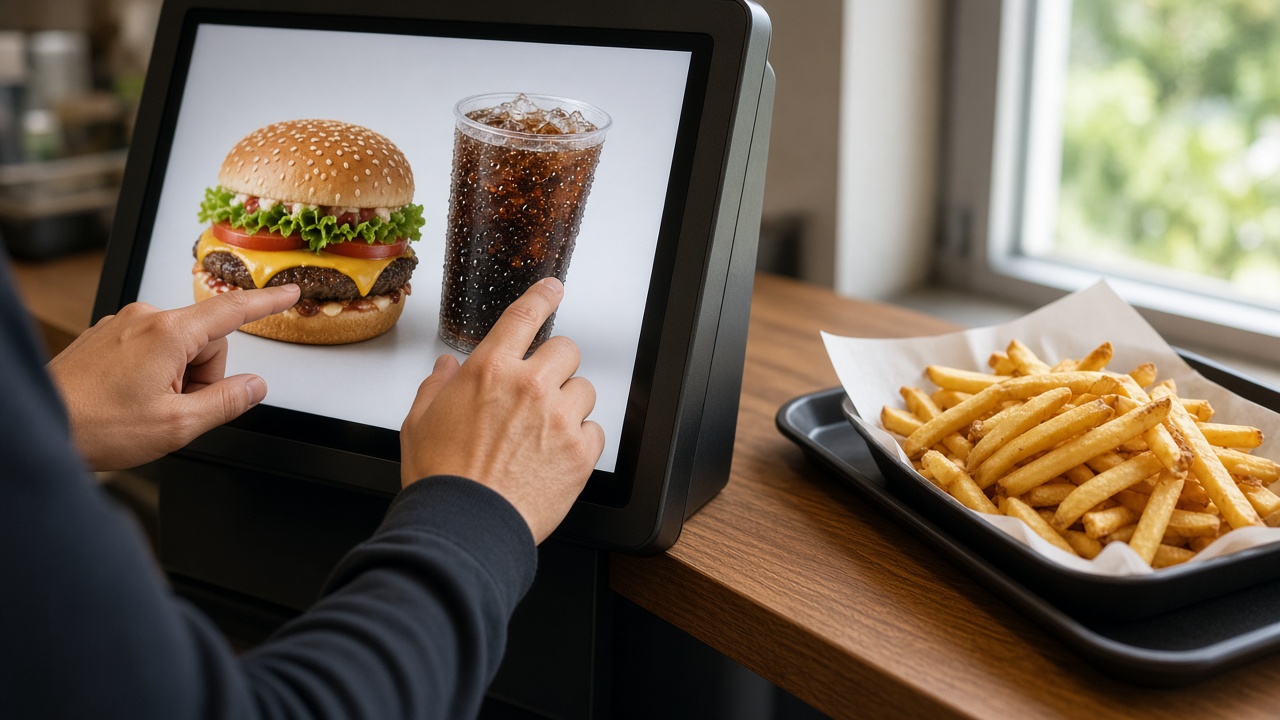
In a rush the kiosk does three things a crowded counter cannot keep up. It takes several orders side by side. It asks the follow-up on every snack, sauce and size, even when the room is loud. And it sends the finished order to the kitchen and the till, so nobody has to type it again. The guest sees their own build before they pay. That is what stops the “I said no onions” conversation at the hand-over.
Payment belongs on the same screen, straight after the choice. Only then is the order really in, and only then should the kitchen trust it. Card and contactless on the kiosk leave the counter free for hand-over, and for guests who would rather talk to a person. Not everyone wants a screen. Put the kiosk beside the staffed line, not blocking it. The guest chooses. After a few busy services the regulars walk to the screen on their own, and the counter stays there for everyone else.
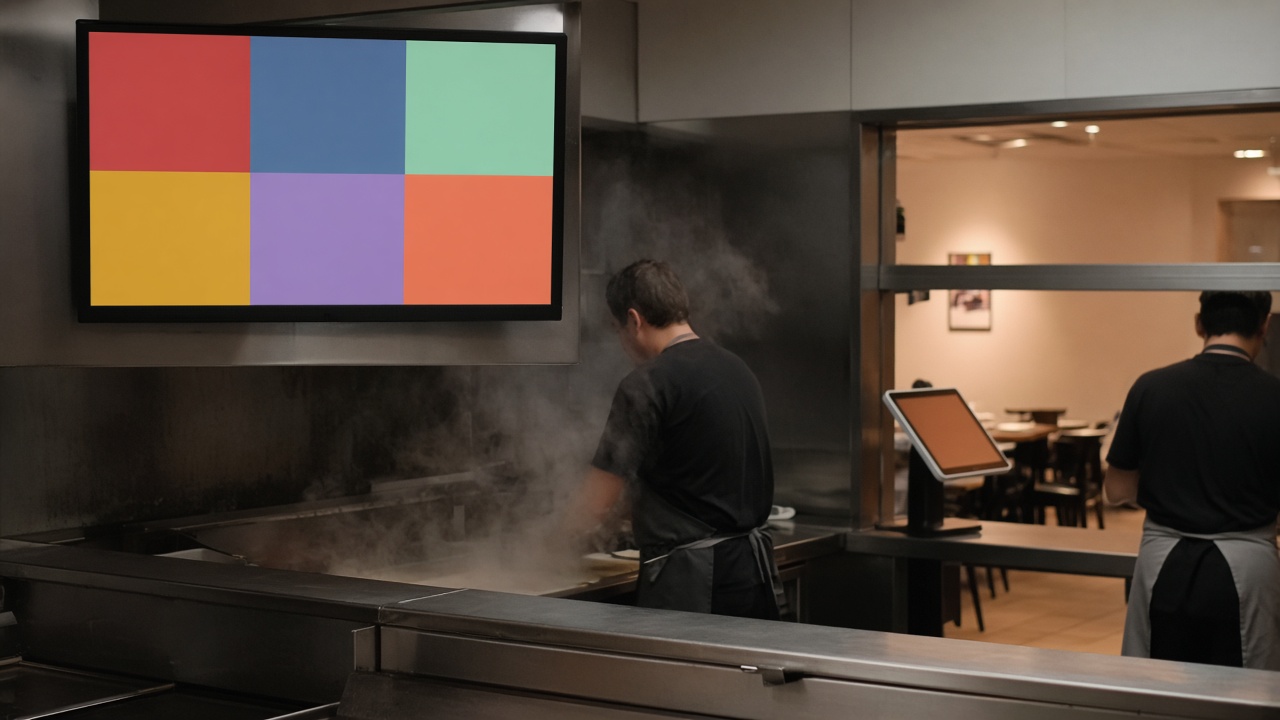
A second kiosk only helps if the kitchen can absorb the extra tickets. Two screens in front of a fryer that is already full shorten the queue at the door and move the wait to the pass. Look first at where it actually sticks: taking the order, cooking, or handing it over. The kiosk fixes the taking. Cooking and hand-over stay a matter of people, of the plan for the shift, and of the kitchen screen. That chain is set out on self-order for hospitality.
Keep the first screen short. The snacks you actually want to sell in the rush go first, with a photo you can recognise from a metre away. A sauce that only your regular staff know by heart belongs as a button on the item, not as a riddle for the guest. Unusual builds, and questions about allergens, stay with your team. The kiosk is for the order that repeats. A longer menu does not shorten the queue. A clearer first step does.
Where to place it so the counter still works
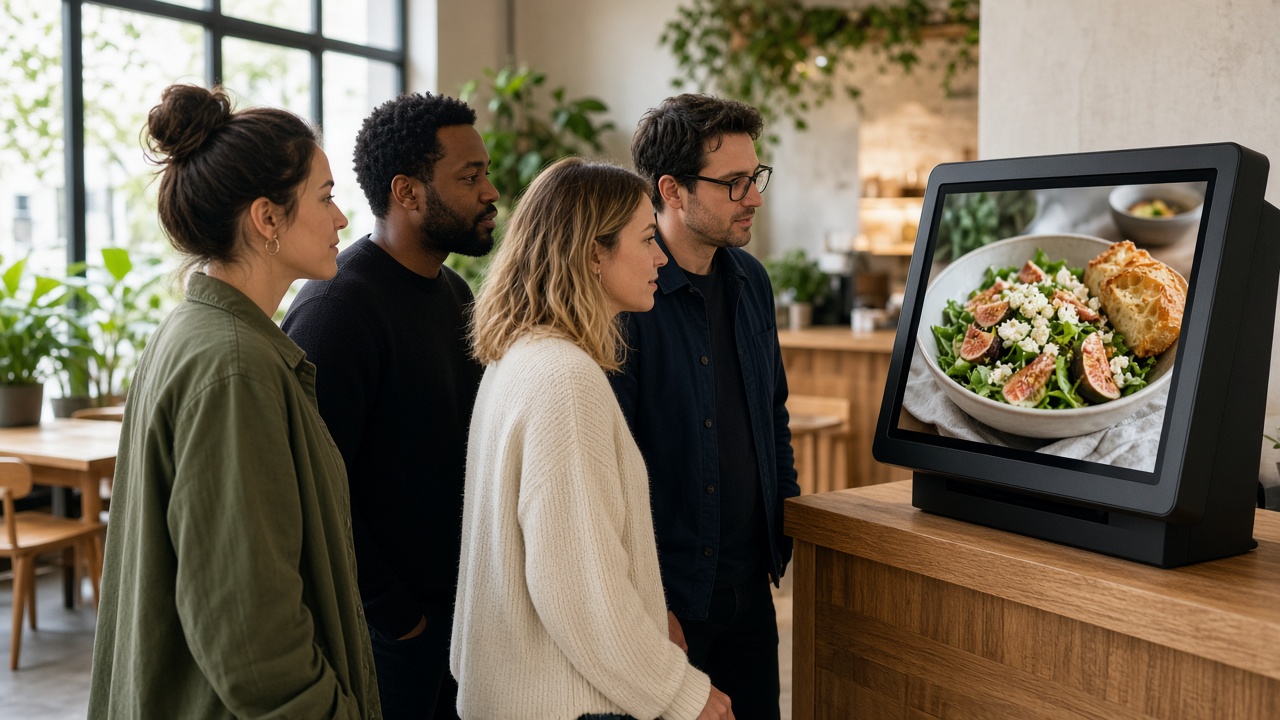
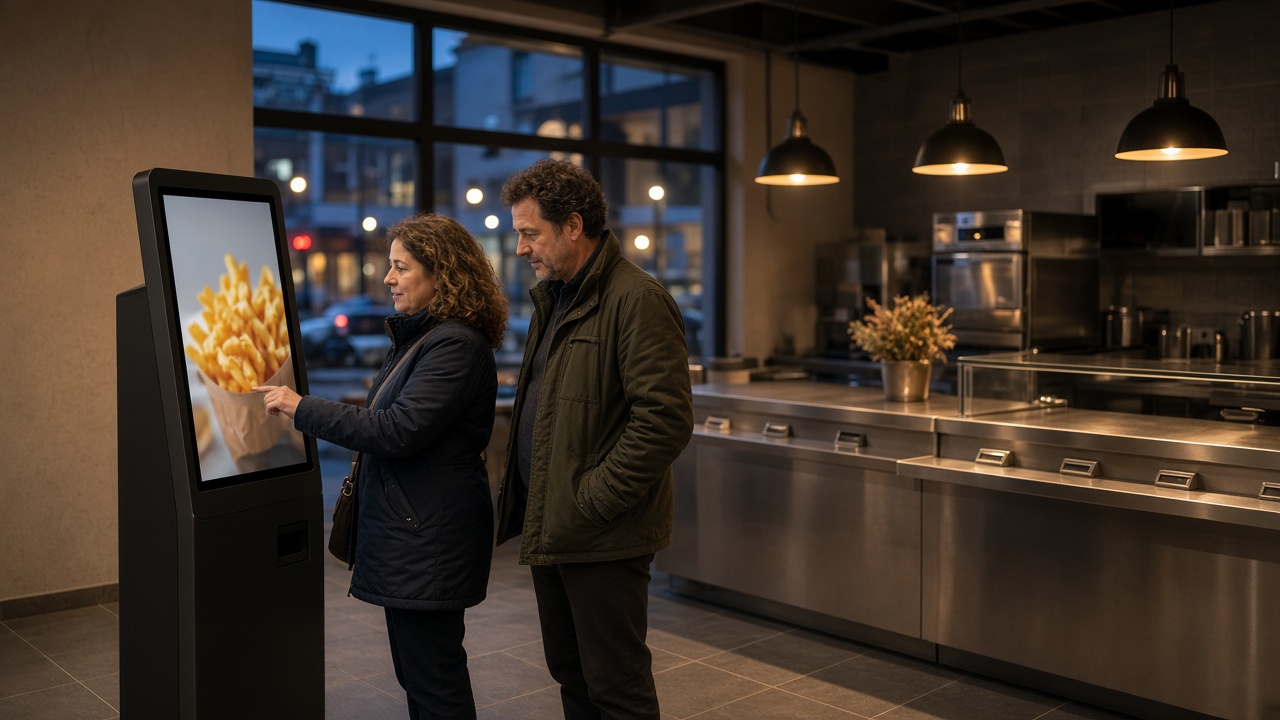
Place the kiosk where a guest sees it before they join the queue. In a snack bar that is usually on the walk up to the counter, with enough room to stand for a moment without blocking the door. The screen has to be readable for someone carrying a bag or pushing a pram, and the payment point has to be reachable without an awkward stoop. A kiosk behind the counter, or one that only staff touch, is not self-ordering. The queue stays where it was.
Tell the team beforehand what still belongs to them. Someone coaches the first few days, catches questions and hands the food over. The kiosk is not there to delete the contact. It takes the repeating part out of the rush. On a quiet afternoon plenty of guests will still order at the counter, and that is fine. You do not have to push the screen when nobody is waiting. The gain is the hour in which you would otherwise roster an extra pair of hands only to take orders.
Pick the hardware for that role. A busy fast-service shop asks different things of the housing and the screen than a restaurant that wants one kiosk by the entrance. The product lines show the difference between Premium-line and Budget-line, with the same software and the same CMS behind both. After that you maintain the menu, the sauces and what is sold out in one place, instead of on a loose screen you edit by hand each season. If the next step is the extra question on the screen, continue with upsell on the order kiosk.
Treat the first week as a shift, not a launch moment. Put someone by the kiosk in the busiest hour, see which button guests miss, and move that button forward in the CMS the same day. A screen that is never adjusted after opening slides back into the confusion of an overfull board. The queue gets shorter once the usual order runs by itself and your team only has to catch the exception.