Ordering is not the same job as check-in
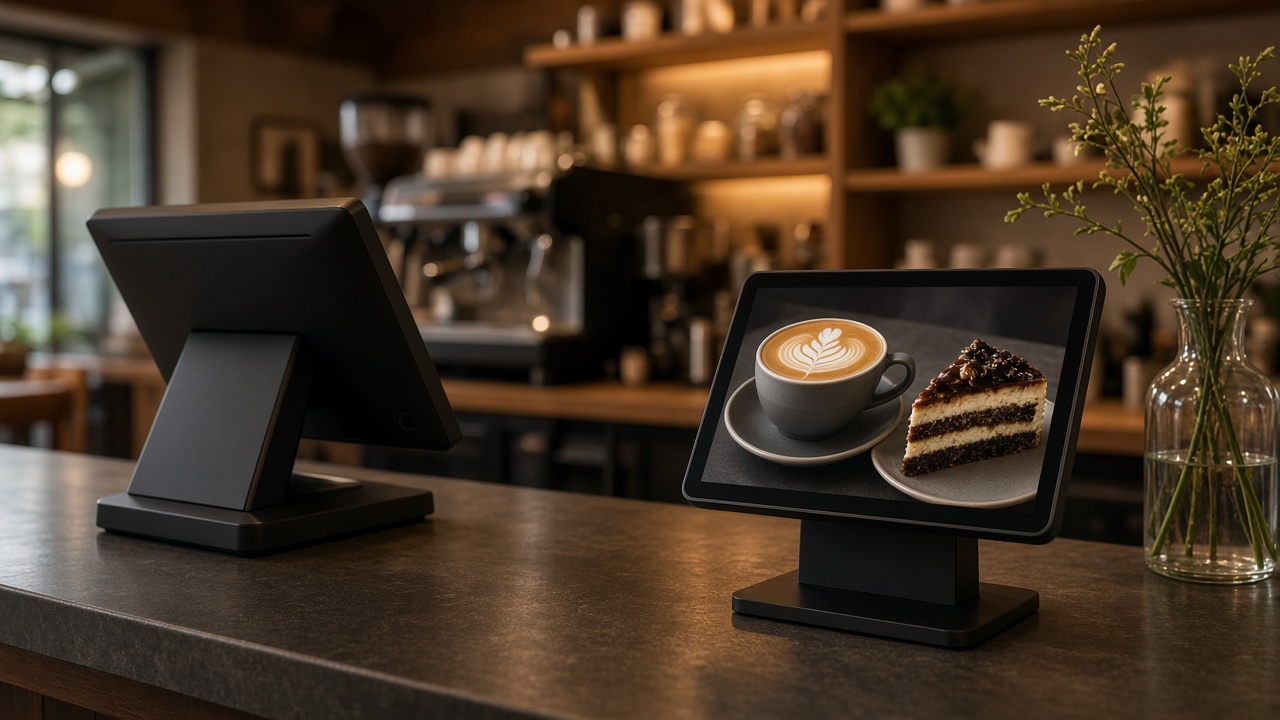
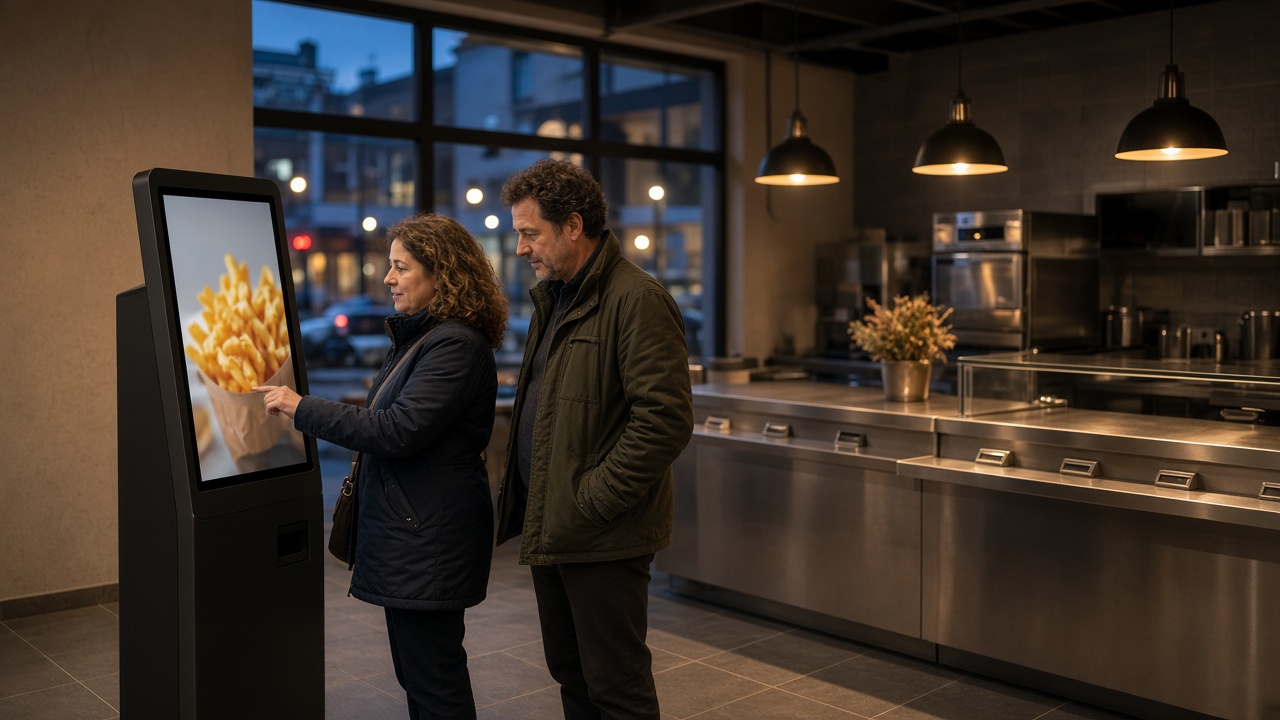
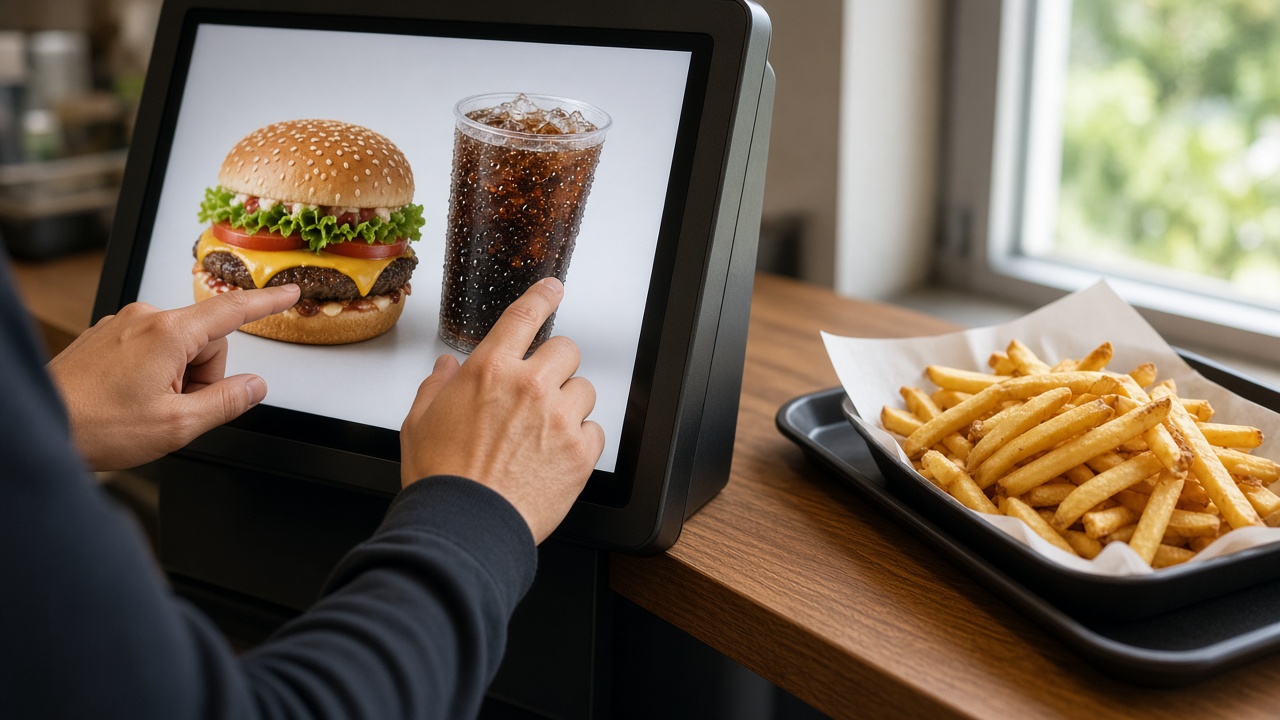
An order kiosk starts at the menu. The guest picks an item, an extra, sees the price and pays. The ticket goes to the kitchen or the counter. The question is “what do you want to eat?”. A check-in kiosk starts at arrival. The guest has a booking, a ticket or a number plate, and wants through the gate, the barrier or the door. The question is “are you allowed in, and where to?”. Mix those two questions on one screen and everyone walks the wrong steps.
A family arriving at a campsite at eleven at night does not want a snack menu first. A guest who wants chips on their break does not want to type a booking number first. The start screen has to show the job the person stopped for. If both jobs live in the same place, the first button is a choice: check in or order. Not a menu that tries to be both at once.
The ending is different too. After an order the guest waits for food and a receipt. After check-in they wait for access: a barrier, a gate, a pass or a confirmation on the screen. A payment can sit in both, the purpose does not. Do not judge a check-in by the spend per ticket, and do not judge an order kiosk by how many barriers it opened. Otherwise you buy the wrong machine for a problem you do have.
Staff catch the exception in both cases. A booking that does not match, a group, a dish with an allergen question. The kiosk is for the arrival or the order that repeats. How the ordering side runs in hospitality is on self-order for hospitality. How the arrival side runs is on check-in kiosks.
Campsites and museums: arrival without a desk
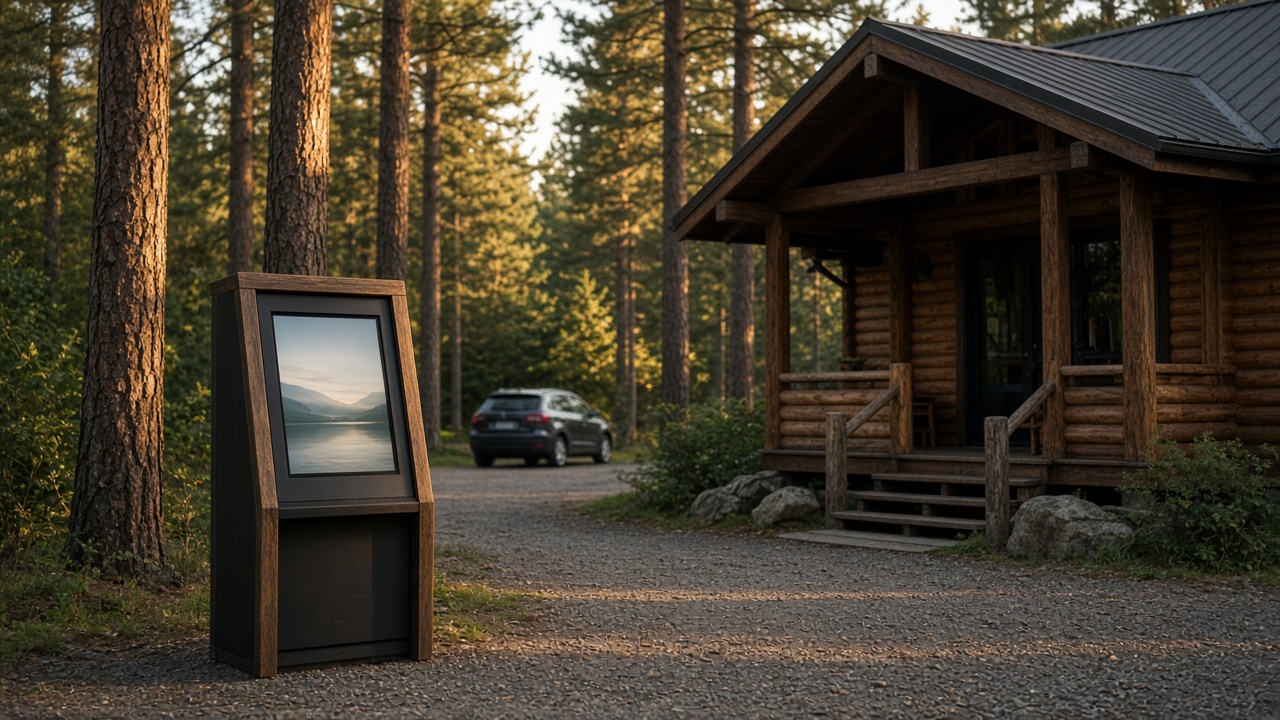
On a campsite, check-in is often the moment reception has already closed. The guest is at the barrier with a booking and a number plate. A check-in kiosk can finish that arrival and open the barrier, without someone sitting at the desk until late. That is a different screen from the kiosk at the cafeteria on the same park. One lets you onto the site. The other takes an order once you are there. More on that arrival is on campsites.
A museum has a similar arrival, with a different proof. The visitor comes with a ticket bought online, or buys one on the kiosk and then walks through the gate. The desk stays necessary for a group, a question or a pass that will not scan. The kiosk exists so the queue for a standard ticket does not have to pass that desk. How that looks in practice is on museums.
In both cases the first second of the screen is the test. Does the guest immediately see what to do: find the booking, scan the ticket, or buy a pass. A screen that opens on the museum café menu is the wrong door for arrival. The café can have its own order kiosk, further in, where someone is already inside and hungry. Two jobs, two places, unless you deliberately give one machine both buttons and make the first button unmistakable.
The exception stays human. A number plate that does not match, a ticket in another name, a visitor who cannot find the way. Agree who steps in, including after the desk has closed, even if that is a phone number on the kiosk and a colleague on call. A check-in that only works when everything matches still sends the difficult guest into a shut door. The kiosk shortens the standard queue. It does not delete reception.
Hospitality on the same site
A holiday park, a campsite with a cafeteria or a museum with a café has both jobs, but not at the same moment in the guest’s walk. First the arrival, later the food. Put check-in at the entrance and the order kiosk at the food counter. The guest then learns which screen does what. One kiosk in the middle of the hall, trying to be both the barrier and the chips, becomes a screen where people stand without knowing why.
A hotel is the exception we do combine on one kiosk, because on arrival the guest often wants to check in and be able to order something straight away. The first step is still a choice, and after that a short flow: key or pass, and breakfast or the bar, not a mix of fields shuffled together. That setup is on hotels. Do not copy it to a campsite gate where the guest is in the car and only needs the barrier.
The food outlet on the site then follows the rules of an ordinary order kiosk. Menu, extras, payment, kitchen. The guest who just checked in is not in a different logic because they are on a park. They are in a snack bar or a restaurant. The hospitality order kiosk is about that queue. Keep that outlet’s menu apart from the site’s entrance prices, otherwise someone pays their pitch in a basket of chips, or the other way around.
If you are unsure whether you need one machine or two, walk the guest’s route. Where do they stop first, and what do they want to finish there. If it is access, it is a check-in kiosk. If it is food, it is an order kiosk. If it is two stops, it is two screens, even when they live in the same CMS. The overview of those arrival uses is with the check-in kiosks. The software can do both. The place decides which job the guest sees first.